Intermapper helps IT teams monitor distributed networks, servers, applications, and IP-enabled devices with real-time maps, proactive alerts, and performance visibility. Instead of waiting for end users to report slowdowns or outages, teams can spot issues sooner, troubleshoot faster, and keep the business moving.
- Map network infrastructure in real time across offices, campuses, remote sites, data centers, and cloud-connected environments.
- Monitor routers, switches, firewalls, access points, servers, applications, interfaces, and specialized IP-enabled devices.
- Receive alerts when devices fail, performance thresholds are exceeded, or traffic patterns need attention.
- Help IT teams support users with faster troubleshooting and fewer blind spots.
- Use historical data, trend graphs, and reports to support capacity planning and infrastructure decisions.

Why Do IT Teams Need Network and Server Visibility?
Modern organizations depend on IT to keep people productive. Employees expect reliable Wi-Fi, responsive applications, secure remote access, fast collaboration tools, and quick help when technology stops working. That puts IT under pressure to support more systems, more users, and more locations without letting service quality slip.
Intermapper gives IT teams the operational visibility they need to move from reactive support to proactive monitoring. With live maps, device status, threshold-based alerts, and reporting, teams can understand what is happening across the environment before small issues become user-facing incidents.
Users often notice problems before IT does
Core infrastructure has to support more digital work
Lean teams are pulled in too many directions
Troubleshooting can take too long without a visual view
Manual monitoring and static documentation fall behind
Capacity planning is hard without historical performance data
Intermapper's Key Capabilities for Network and Server Monitoring for IT Teams
Improve End-User Support

Detect network and server issues before users file tickets, helping teams deliver faster, more proactive support.
Monitor Core Infrastructure
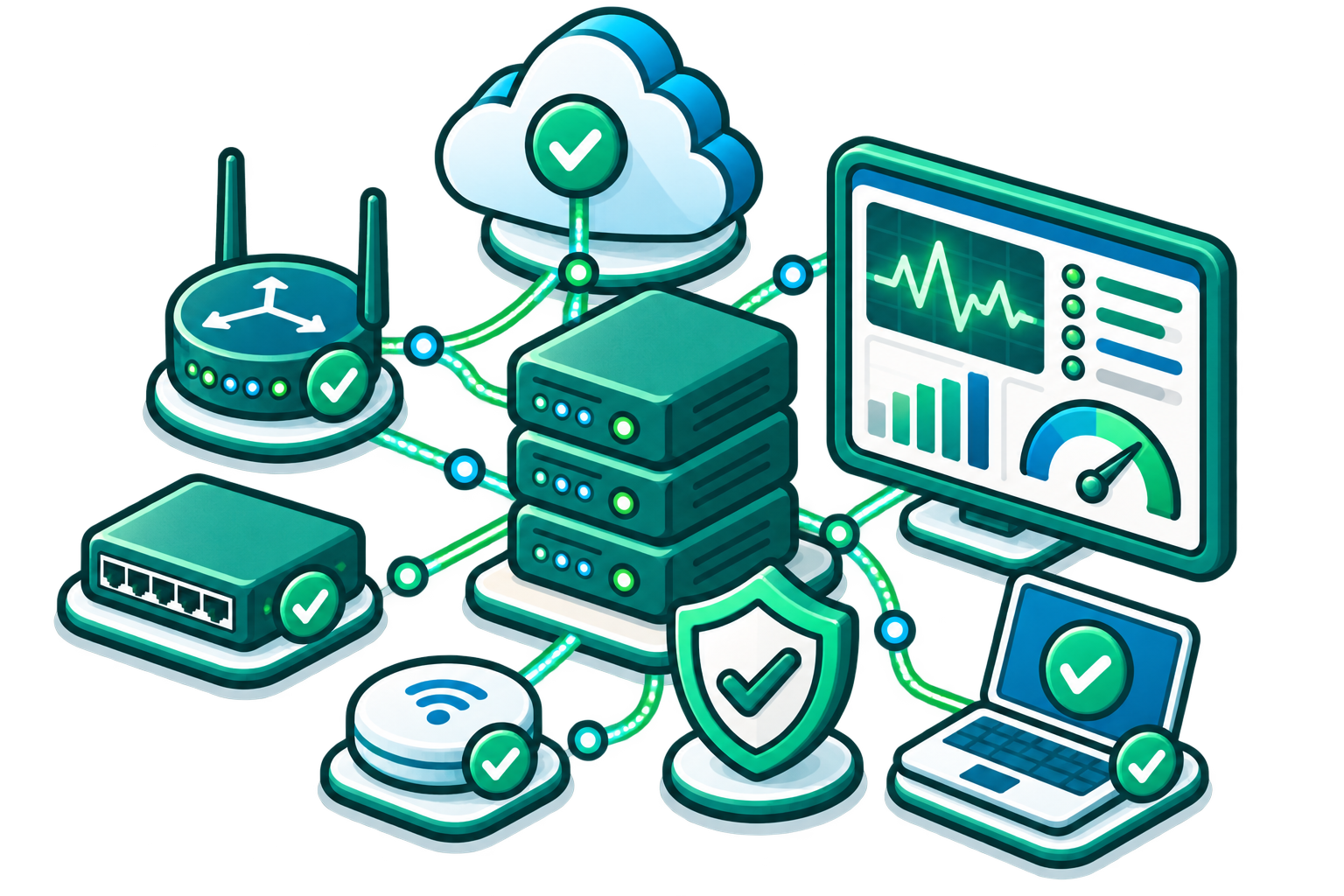
Monitor health, availability, and performance of routers, switches, firewalls, wireless access points, servers, and key links.
Support Technology Rollouts
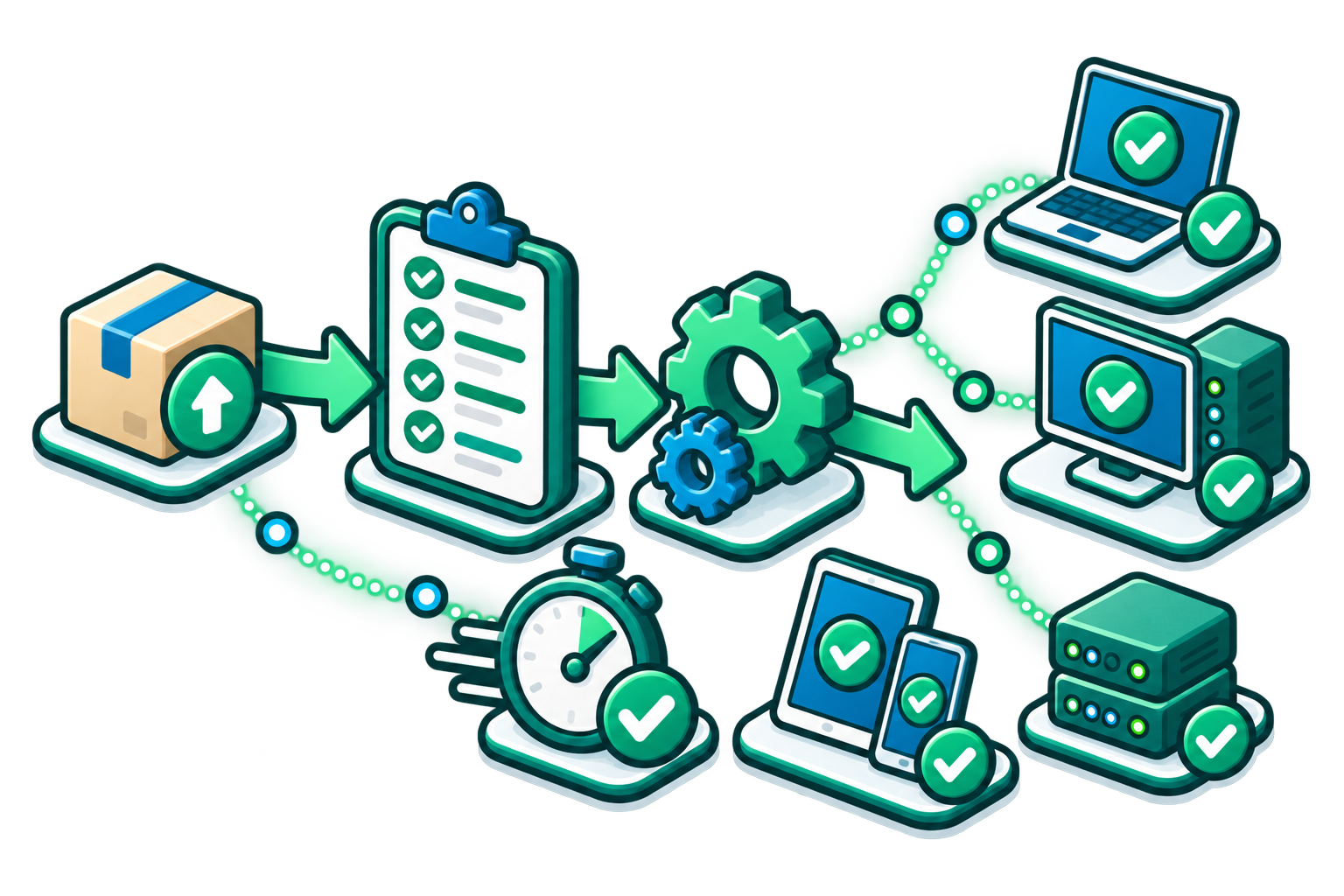
Predict capacity needs to confirm that the network and back-end systems can support new tools, applications, users, and locations.
Troubleshoot Slow Applications
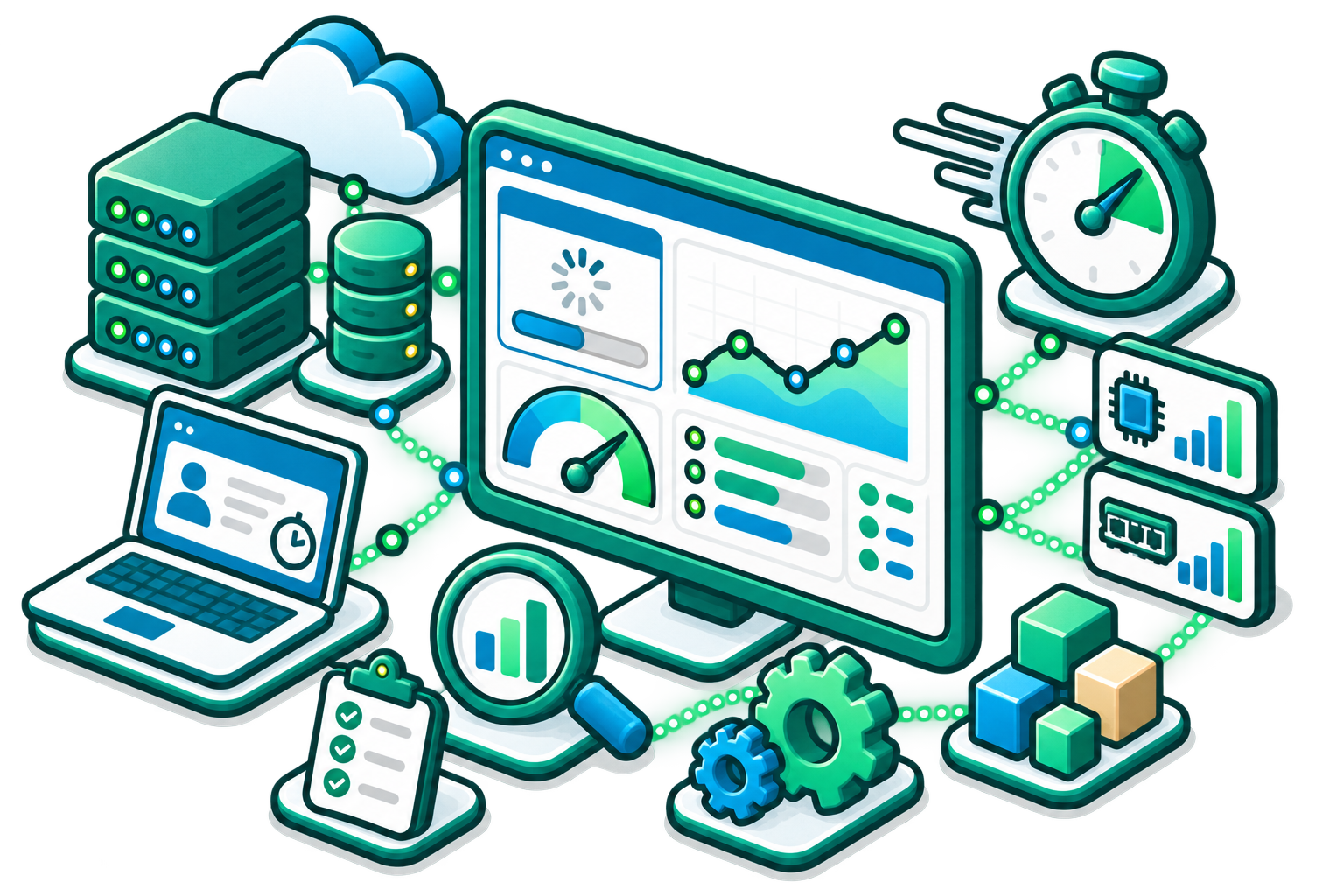
Use network maps, interface metrics, server status, and traffic visibility to narrow down the source of performance problems.
Monitor Remote Sites and Distributed Sites

Give teams visibility into branch offices, campuses, remote locations, and off-site infrastructure without always being on-site.
Plan Bandwidth and Infrastructure Growth
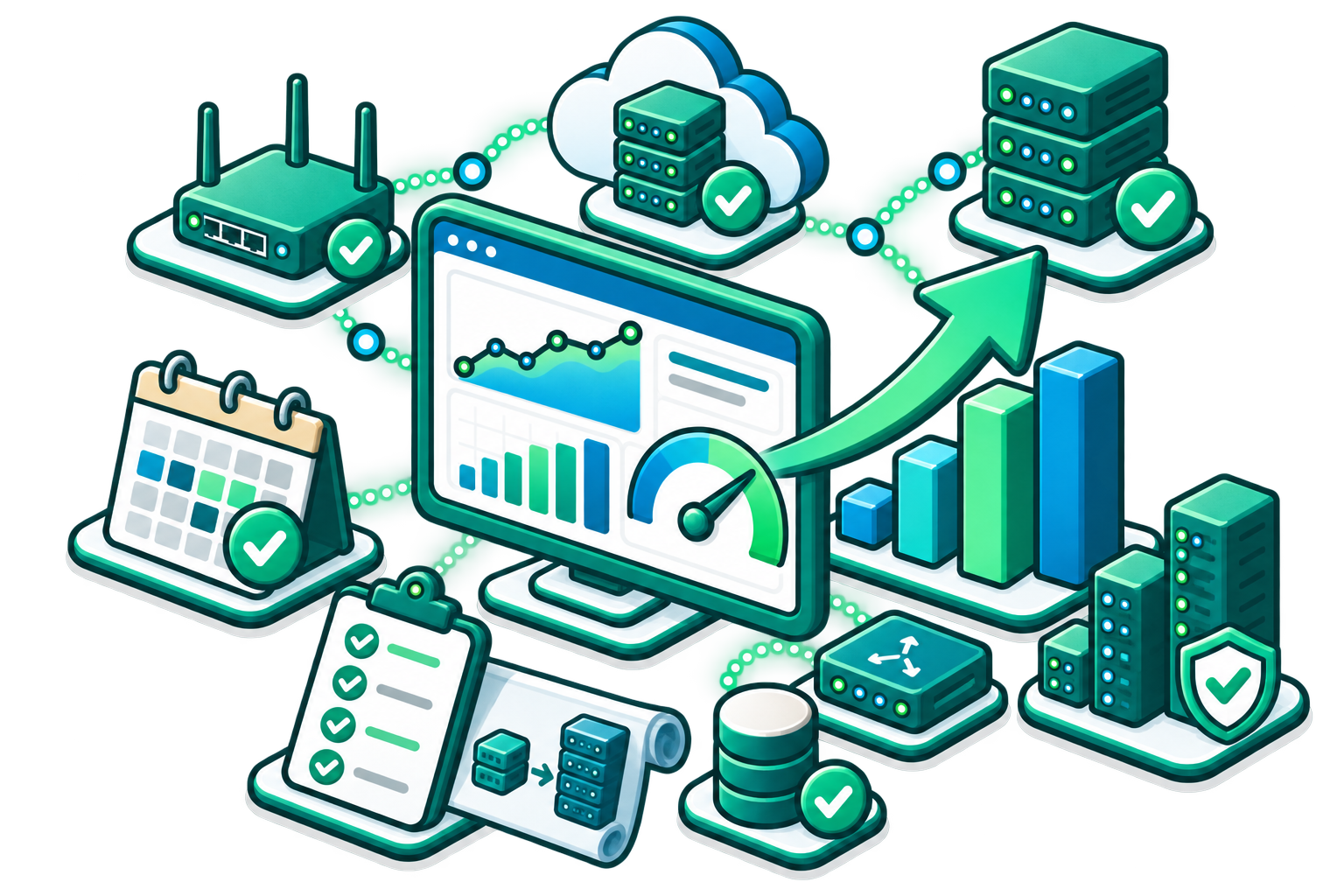
Use historical trends and IT reports to understand where capacity pressure is building and when upgrades may be needed.
How Intermapper Solves Network and Server Monitoring Challenges for IT Teams
| IT Challenge | How Intermapper Helps | Result |
|---|---|---|
|
Users report issues before IT sees them
|
Real-time maps and proactive alerts show device and performance problems as they happen.
|
Teams can respond sooner and reduce user-facing disruption.
|
|
No single view of infrastructure health
|
Color-coded maps show what is up, down, or in warning state across the environment.
|
IT gets a shared operational picture for faster triage.
|
|
Troubleshooting is slow
|
Device status, interface details, links, and map context help teams isolate problem areas quickly.
|
Lower investigation time and faster resolution.
|
|
Network documentation is hard to maintain
|
Automatic discovery helps identify and document IP-enabled devices.
|
Less manual mapping work and fewer blind spots.
|
|
Alert routing is inconsistent
|
Configurable alerts and escalation options notify the right people when thresholds are exceeded.
|
More reliable incident response and fewer missed events.
|
|
Planning is reactive
|
Historical data, trend graphs, and reports help teams understand usage and capacity needs.
|
Better infrastructure planning and budget conversations.
|



IT Network and Server Monitoring FAQs
Give Your IT Team the Visibility Needed to Protect Uptime
See What's Happening. Understand Why. Plan What's Next.