
When users are the first to report slow applications, failed connections, or unavailable services, IT is already behind. Intermapper helps teams move from reactive troubleshooting to proactive issue detection with live network maps, continuous monitoring, and alerts that highlight trouble before small problems become outages.
- See routers, switches, firewalls, servers, applications, and links on real-time maps.
- Monitor device status, response time, packet loss, utilization, environmental conditions, and other critical metrics.
- Receive alerts when thresholds are exceeded or devices enter a warning or down state.
- Investigate issues faster with color-coded maps, status windows, and historical trend data.
- Trigger automated remediation workflows when Intermapper alerts indicate known failure conditions.
How to Use Intermapper for Issue Detection
Many network incidents begin as small warning signs: a failing link, an overloaded switch, abnormal traffic, a slow server response, a configuration issue, or an environmental condition such as overheating. Without monitoring, these signs often remain invisible until users complain or business services fail.
Intermapper gives IT teams a live view of network and server health so they can detect changes, prioritize what needs attention, and act before a minor issue escalates into a productivity-impacting outage.
Real-Time Network Maps
Continuous Device, Server, and Application Monitoring
Custom Probes
Smart Alerting and Escalation
Historical Trend Graphs and Reports
Optional Automation
Intermapper’s Early Issue Detection Capabilities
Prevent User-Impacting Network Outages

Monitor critical devices, links, core switches, routers, and firewalls so IT sees warning states before a device failure causes broad disruption.
Detect Server and Application Slowdowns

Track response time, availability, service status, and other indicators to identify degraded systems before users report slow or failed access.
Catch Environmental Risks
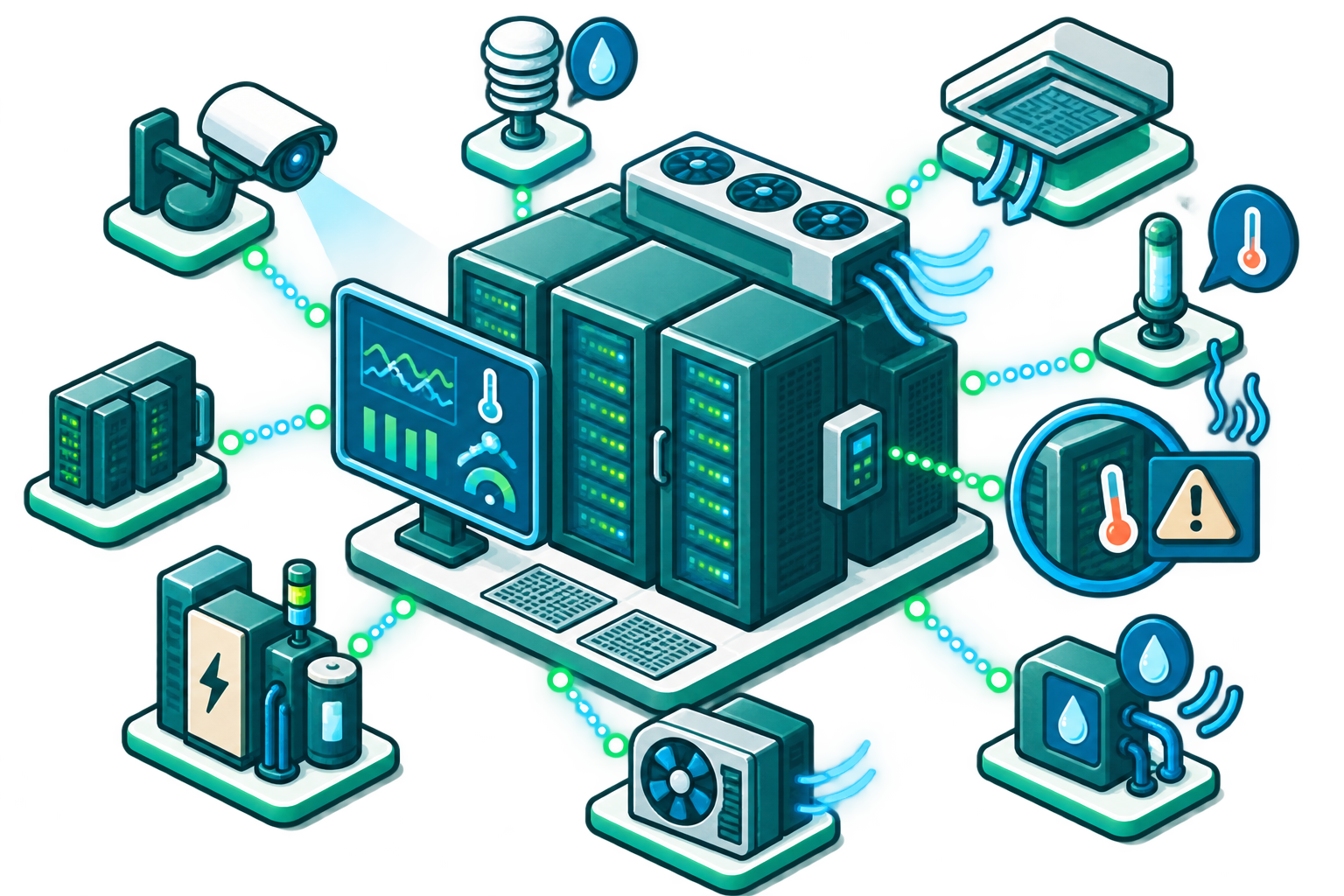
Use network probes to monitor IP-enabled sensors and supporting systems such as UPS devices, temperature monitors, and facilities equipment.
Prioritize Alerts for Lean IT Teams

Configure alert timing, escalation, and delivery methods so technicians focus on issues that require action.
Automate Known Remediation Steps
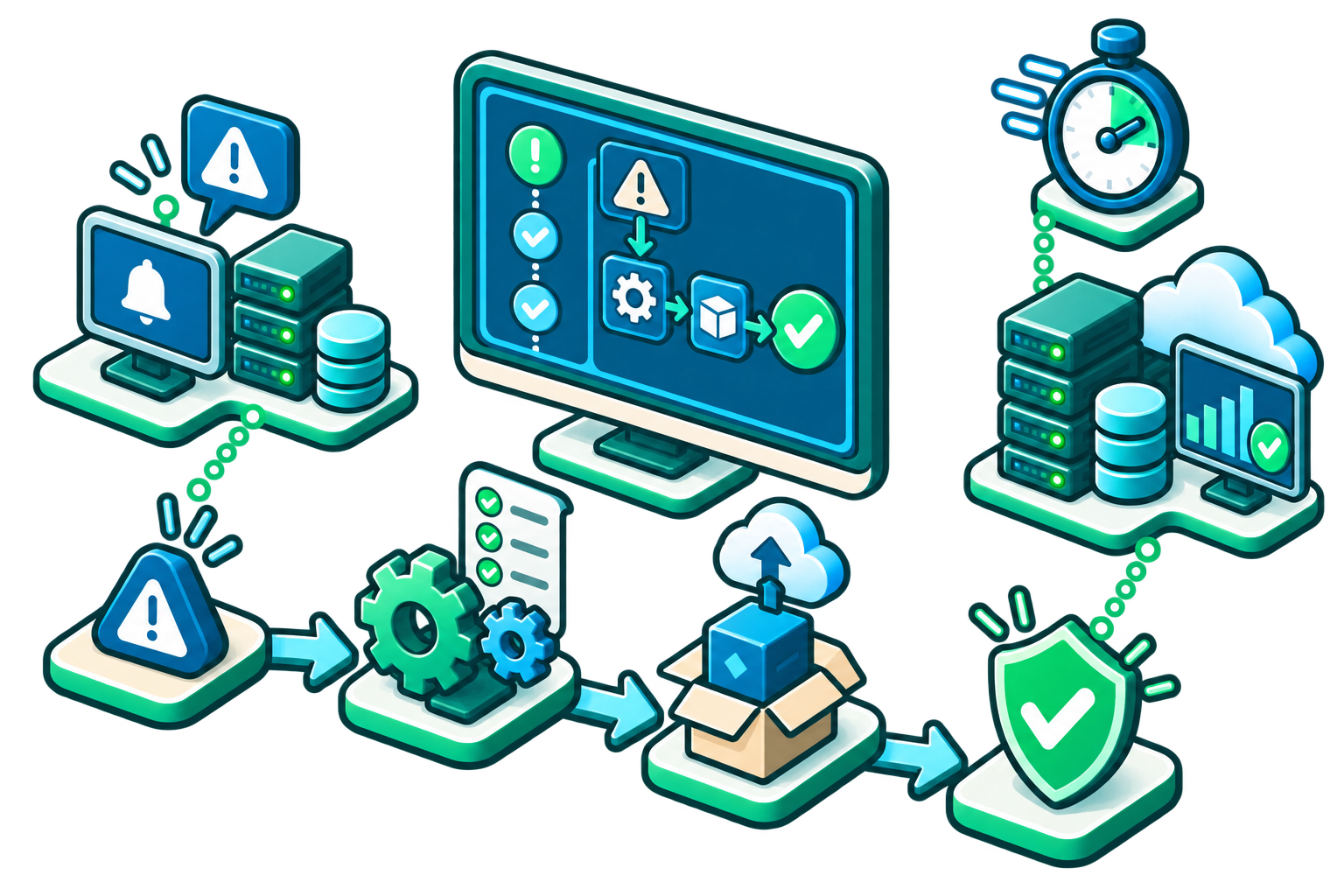
For recurring failures, use Intermapper alerts as triggers for automation workflows that restart services, reboot devices, or run commands.
How Intermapper Detects Issues Earlier
| Challenge | How Intermapper Helps | Result |
|---|---|---|
|
Devices fail without warning
|
Live maps show up, down, and warning states for network devices and IP-enabled systems.
|
IT teams can see at a glance which device needs attention.
|
|
Users notice performance problems first
|
Threshold-based alerts notify teams when performance metrics exceed defined ranges.
|
Teams can investigate before users or customers are heavily impacted.
|
|
Server or application degradation is hard to isolate
|
Probes monitor availability, response time, packet loss, services, and other metrics.
|
IT can narrow the scope of a problem faster.
|
|
Environmental issues threaten uptime
|
Custom probes can monitor temperature, UPS, facilities systems, and other sensor-based indicators.
|
Teams can address physical conditions before equipment fails.
|
|
Known issues require repetitive manual fixes
|
Intermapper alerts can be paired with automation workflows to trigger predefined remediation steps.
|
Common outages can be handled faster with less manual effort.
|
|
IT risk is hidden across complex environments
|
Historical data, trend graphs, and reports reveal patterns in device and service performance.
|
Teams can reduce risk with better planning and proactive maintenance.
|
Network and Server Issue Detection FAQs
Find Network and Server Issues Before Users Feel Them with Intermapper
See What's Happening. Understand Why. Plan What's Next.