Every network has critical devices and servers that need to stay available. Intermapper helps IT teams monitor routers, switches, firewalls, physical and virtual servers, applications, and other IP-enabled systems from live maps that show current health and alert teams when something needs attention.
- Monitor network devices, servers, interfaces, applications, and services from one visual view.
- Use built-in and custom probes to collect the metrics that matter.
- See device status with live color-coded maps and status windows.
- Set polling intervals and thresholds based on device importance.
- Receive configurable alerts when services stop, response times exceed limits, or health metrics degrade.
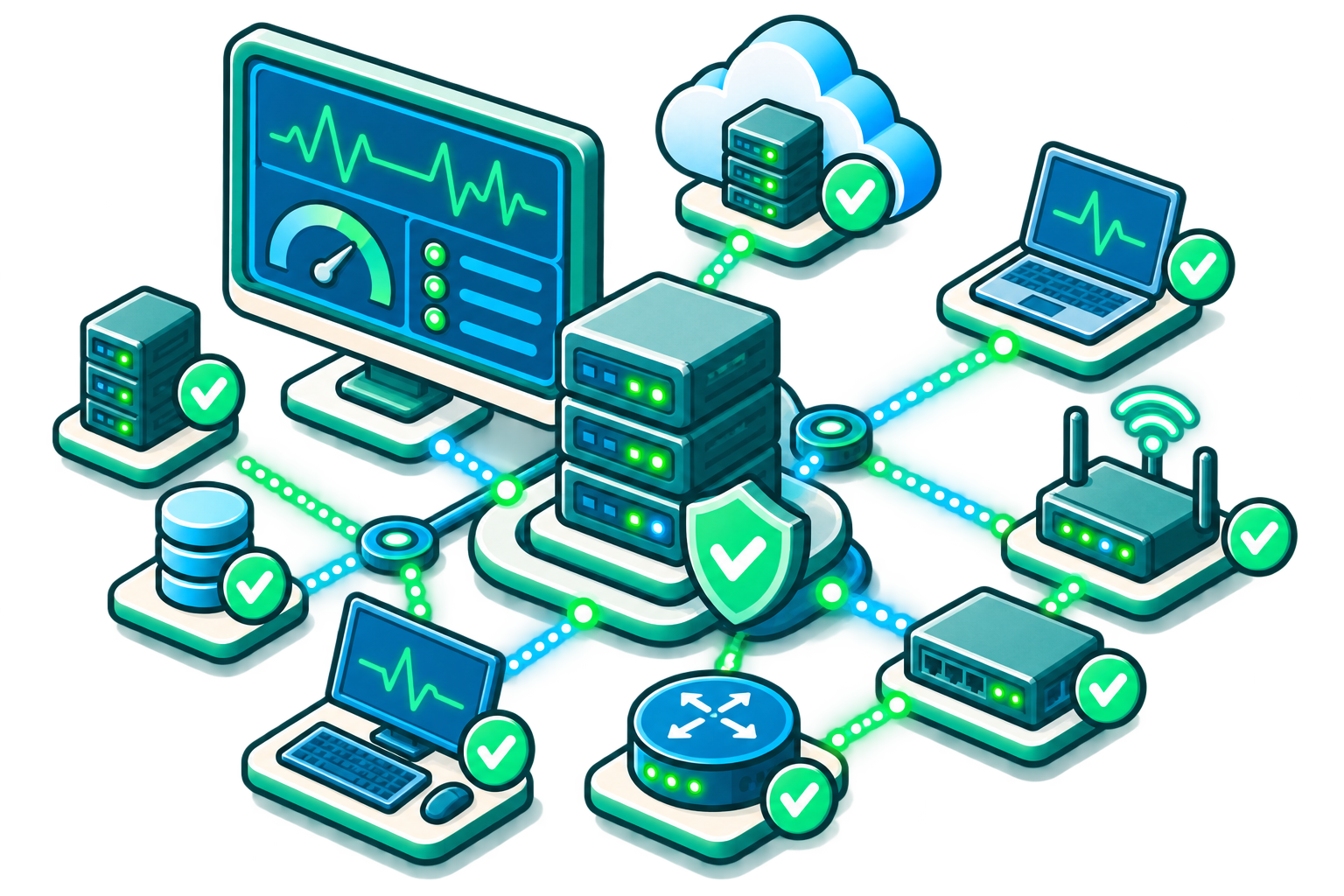
How to Monitor Device and Server Health with Intermapper
Infrastructure health changes constantly. A server can slow down, a service can stop, a switch can degrade, a firewall can fail, or an application can become unavailable long before users know what happened.
Device and server monitoring gives IT teams current visibility into the systems that support business operations, helping them prioritize response, reduce downtime, and answer stakeholder questions with evidence.
Identify Critical Infrastructure
Apply Probes
Set Thresholds
Tune Polling Intervals
Monitor Live Maps
Review Historical Trends
Intermapper’s Network Device and Server Health Monitoring Capabilities
Monitor Core Network Devices
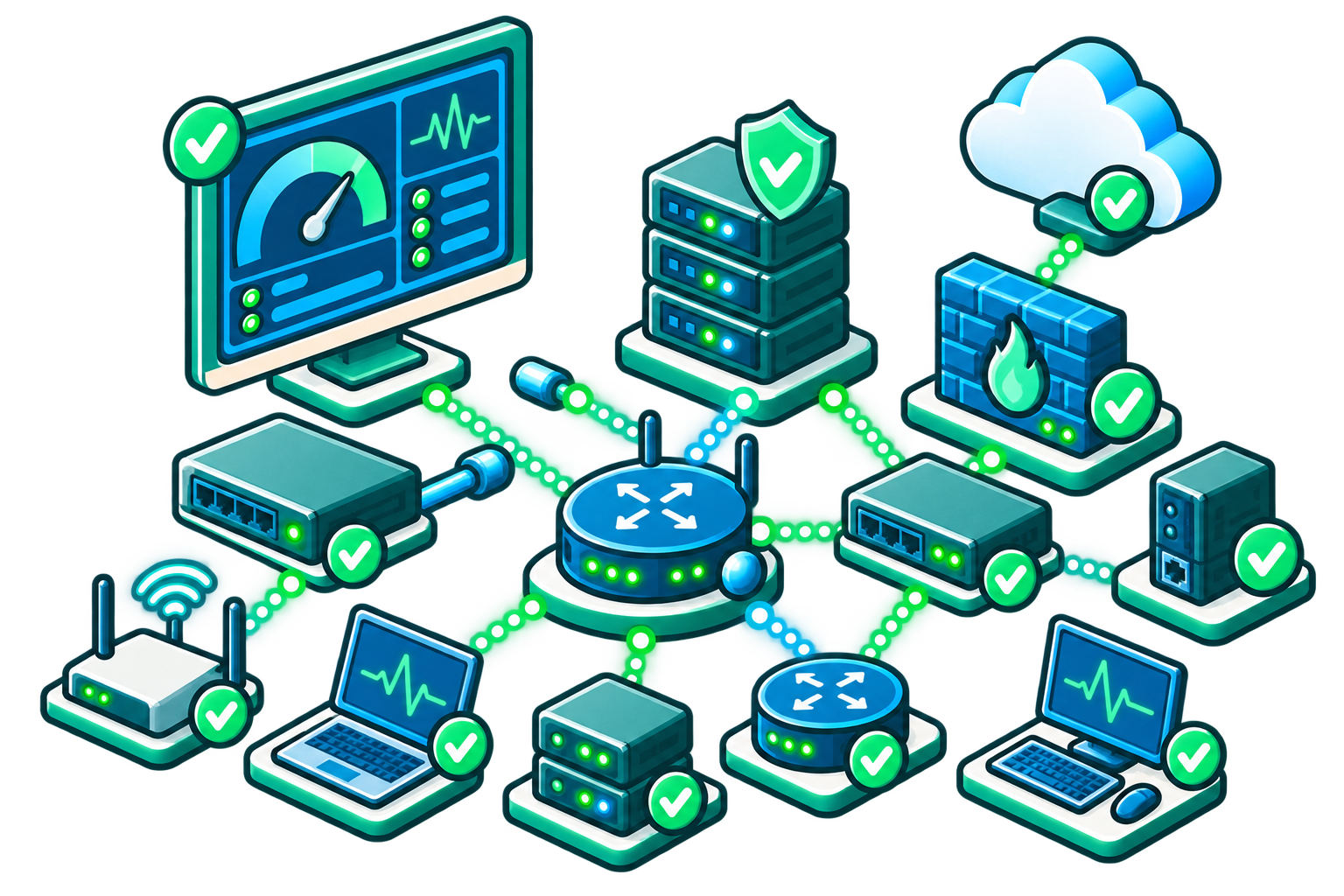
Track the health of routers, switches, firewalls, wireless infrastructure, interfaces, and links that keep network traffic moving.
Keep Physical and Virtual Servers Available
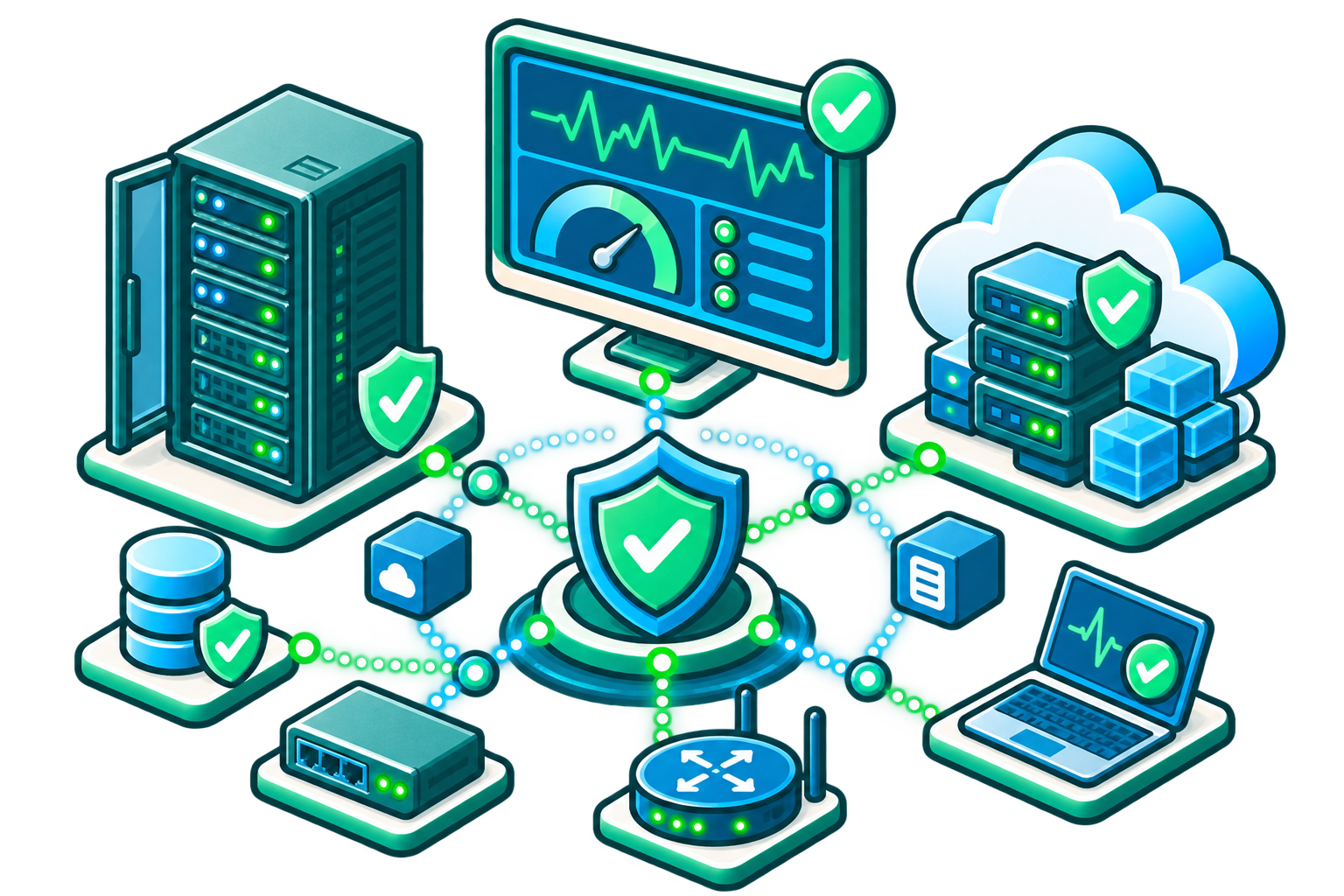
Monitor server response, services, resources, and status so critical workloads stay visible.
Monitor Business-Critical Applications
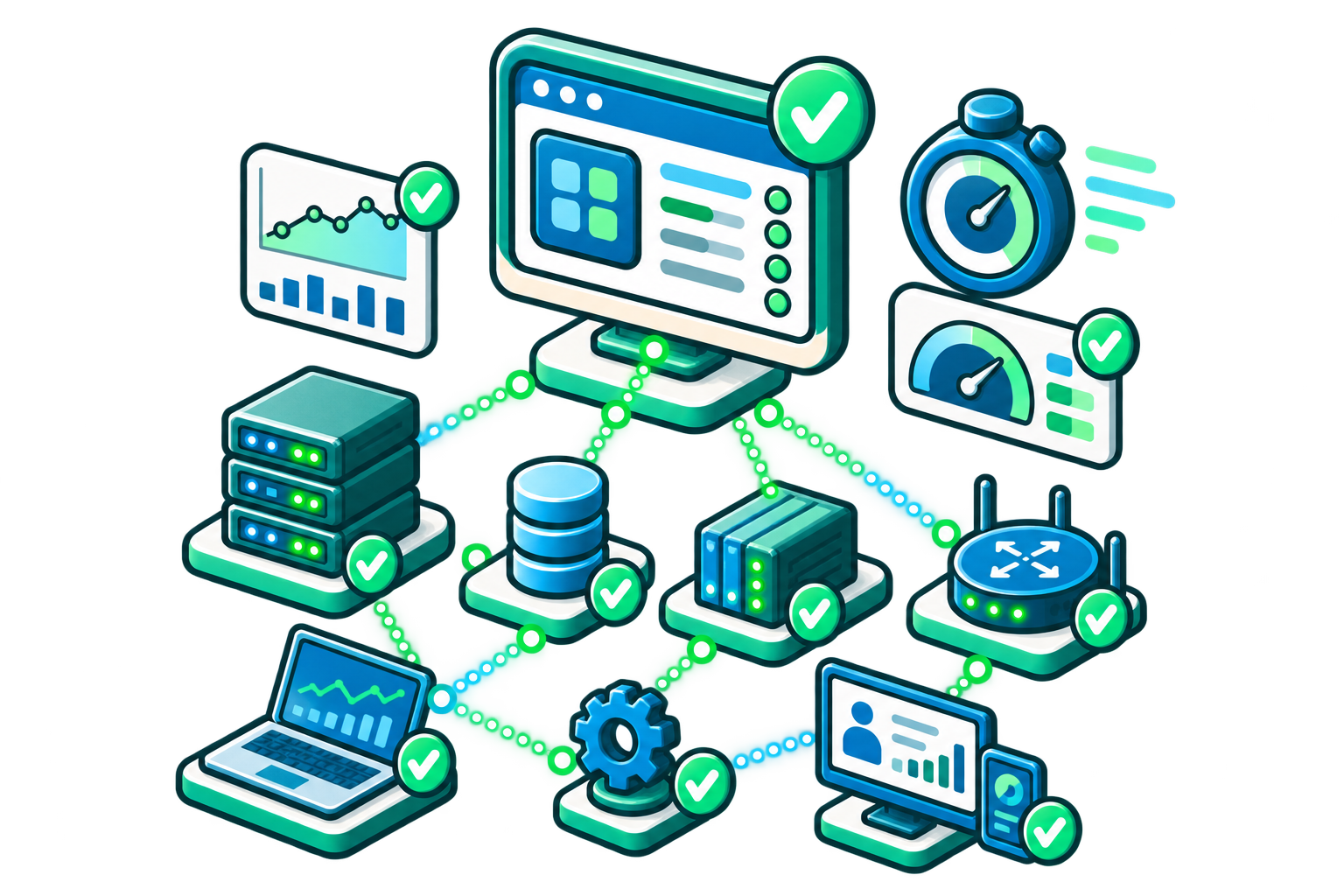
Track availability and response for ERP, CRM, email, web services, VoIP, videoconferencing, and other high-impact systems.
Monitor Specialized IP-Enabled Systems
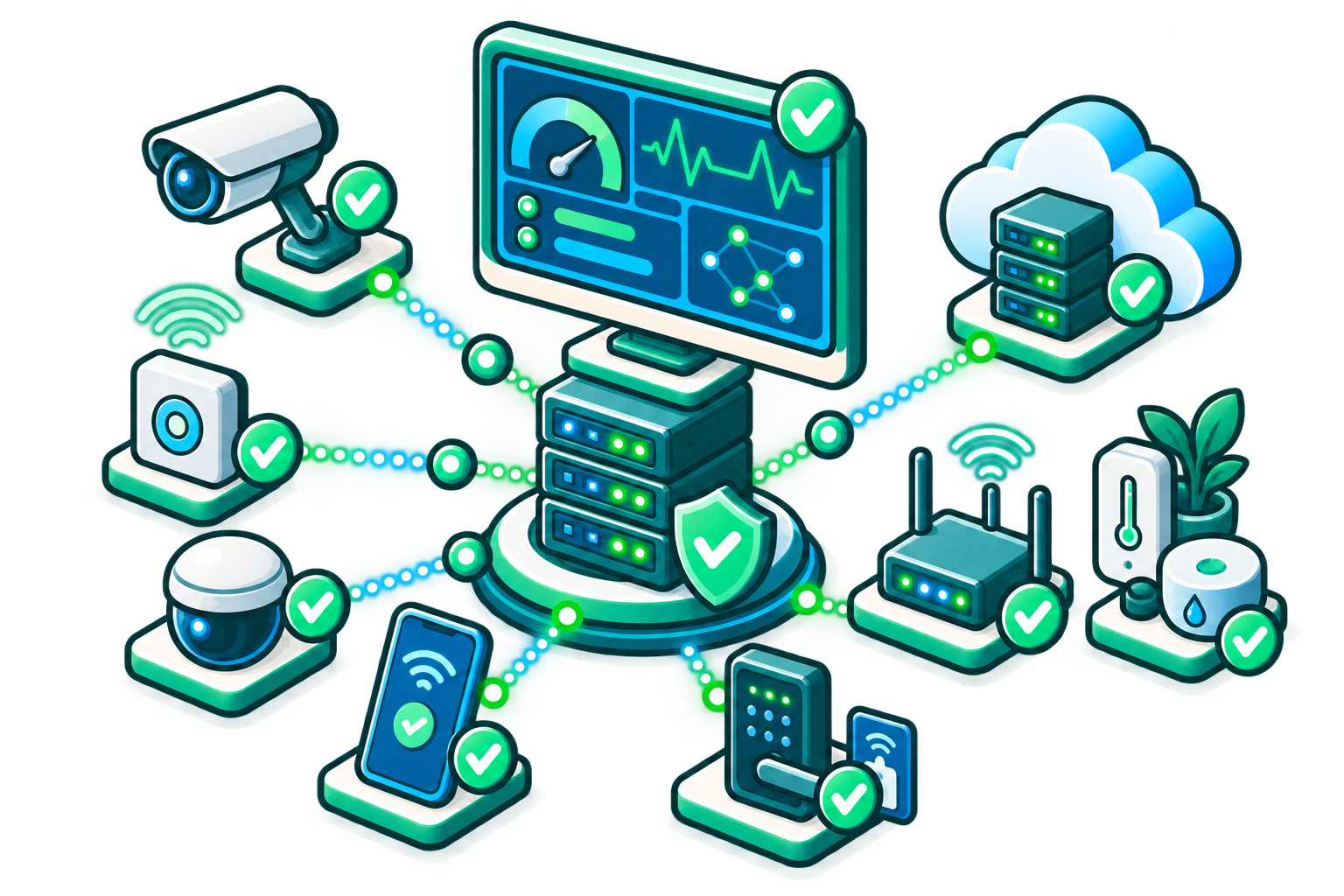
Use custom network probes to monitor environmental sensors, facilities equipment, industrial devices, or other systems with accessible metrics.
Enable On-the-Go Monitoring

Use web and mobile access to check network maps, acknowledge issues, and maintain visibility when technicians are away from the office.
How Intermapper Solves Network and Server Health Challenges
| Challenge | How Intermapper Helps | Result |
|---|---|---|
|
Devices span many vendors and platforms
|
Intermapper monitors IP-enabled devices using probes and common protocols.
|
Teams can manage diverse environments from one monitoring tool.
|
|
Critical servers must run continuously
|
Monitor services with SNMP, TCP, HTTP, WMI, and other standard methods.
|
IT can detect unavailable or slow services quickly.
|
|
Application failures impact productivity
|
Monitor business-critical applications and services for uptime and response.
|
Teams can identify application-impacting issues before they spread.
|
|
IT needs current status, not stale snapshots
|
Live maps and status windows display current device state and metrics.
|
Teams can act on what is happening now.
|
|
Different systems need different polling and thresholds
|
Polling intervals and thresholds can be adjusted based on device importance.
|
Monitoring can be tuned to match operational priorities.
|
|
Alerts need to reach the right person
|
Custom notifiers, delays, repeat intervals, and escalation rules route alerts appropriately.
|
Teams can reduce noise and improve response consistency.
|
Device and Server Health Monitoring FAQs
Keep Your Network Infrastructure Healthy with Intermapper
See What's Happening. Understand Why. Plan What's Next.