As infrastructure expands across data centers, offices, virtual environments, and the cloud, IT teams can lose the end-to-end context needed to troubleshoot. Intermapper helps teams monitor cloud-connected workloads, on-premises systems, virtual servers, network devices, and the connections between them so they can see what is happening across a hybrid environment and address issues before they spread.
- Monitor cloud-connected workloads, virtual servers, and on-premises devices from one operational view.
- Discover devices across sites and distributed network scopes.
- Use built-in and custom probes to track availability, response time, service health, and other supported metrics.
- Set thresholds, notifications, and escalation rules for dependencies that affect cloud-hosted and local services.
- Analyze historical performance, utilization, and traffic trends to isolate bottlenecks and plan for change.
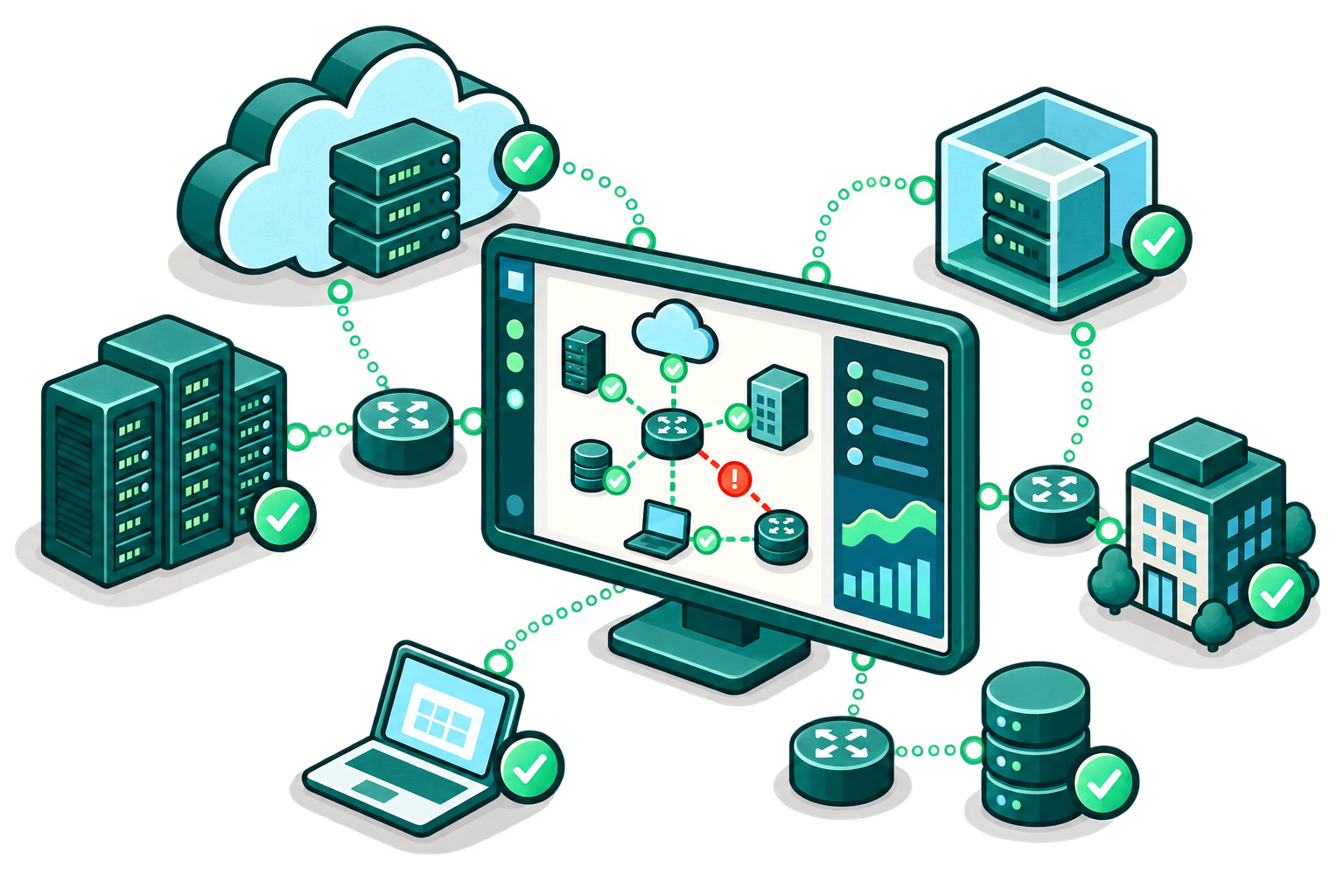
How to Monitor Hybrid Infrastructure with Intermapper
Cloud-hosted resources do not operate in isolation. Users reach them through networks, gateways, VPNs, data centers, and supporting services. A slow or unavailable service may originate in a workload itself, the path to it, a local system, or a dependency in another environment.
Hybrid infrastructure monitoring gives IT a consistent way to see the reachable IP-enabled systems and connections that support cloud applications and business services. With Intermapper, teams can map the environment, apply monitoring to critical components, receive alerts, and use live and historical data to troubleshoot and plan for what’s next.
Identify Critical Cloud and On-Premises Services
Discover and Map Hybrid Infrastructure
Apply Probes to Cloud Connected Workloads and Network Paths
Monitor Availability, Health, and Performance
Set Contextual Thresholds and Escalation Rules
Review Trends and Plan Across Environments
Intermapper’s Hybrid Infrastructure Monitoring Capabilities
Monitor Cloud Connected Systems Alongside On-Premises Infrastructure

Bring reachable IP-enabled devices, physical and virtual servers, services, and network paths into one monitoring approach. This helps teams avoid treating the cloud, data center, and other environments as separate troubleshooting domains.
Map Distributed and Hybrid Dependencies
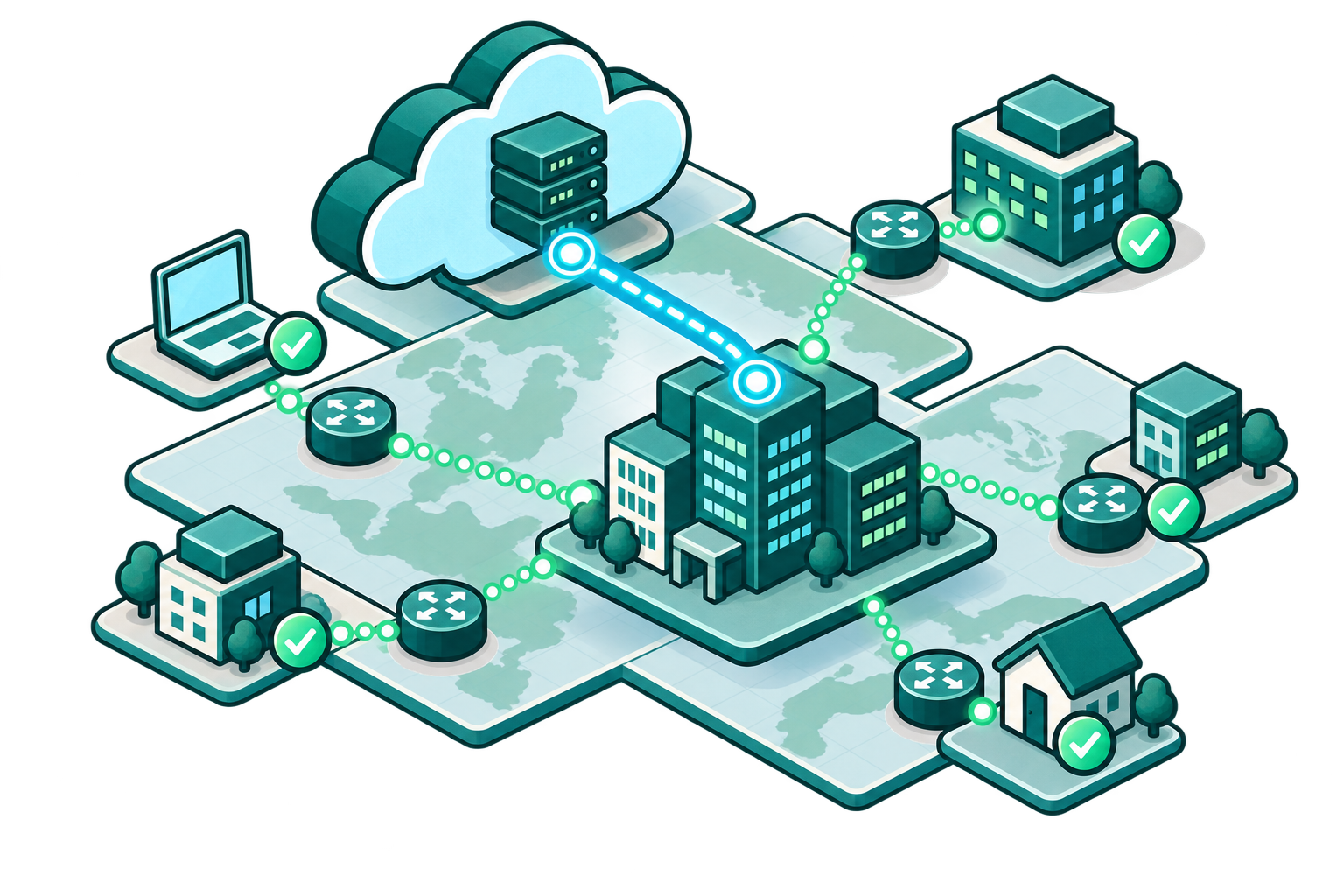
Use live, color-coded network maps and status indicators to orient quickly during normal operations and incidents. Visual context helps teams understand which devices, links, and locations may be affected when a hybrid service path changes state.
Detect Network Server and Service Issues Earlier
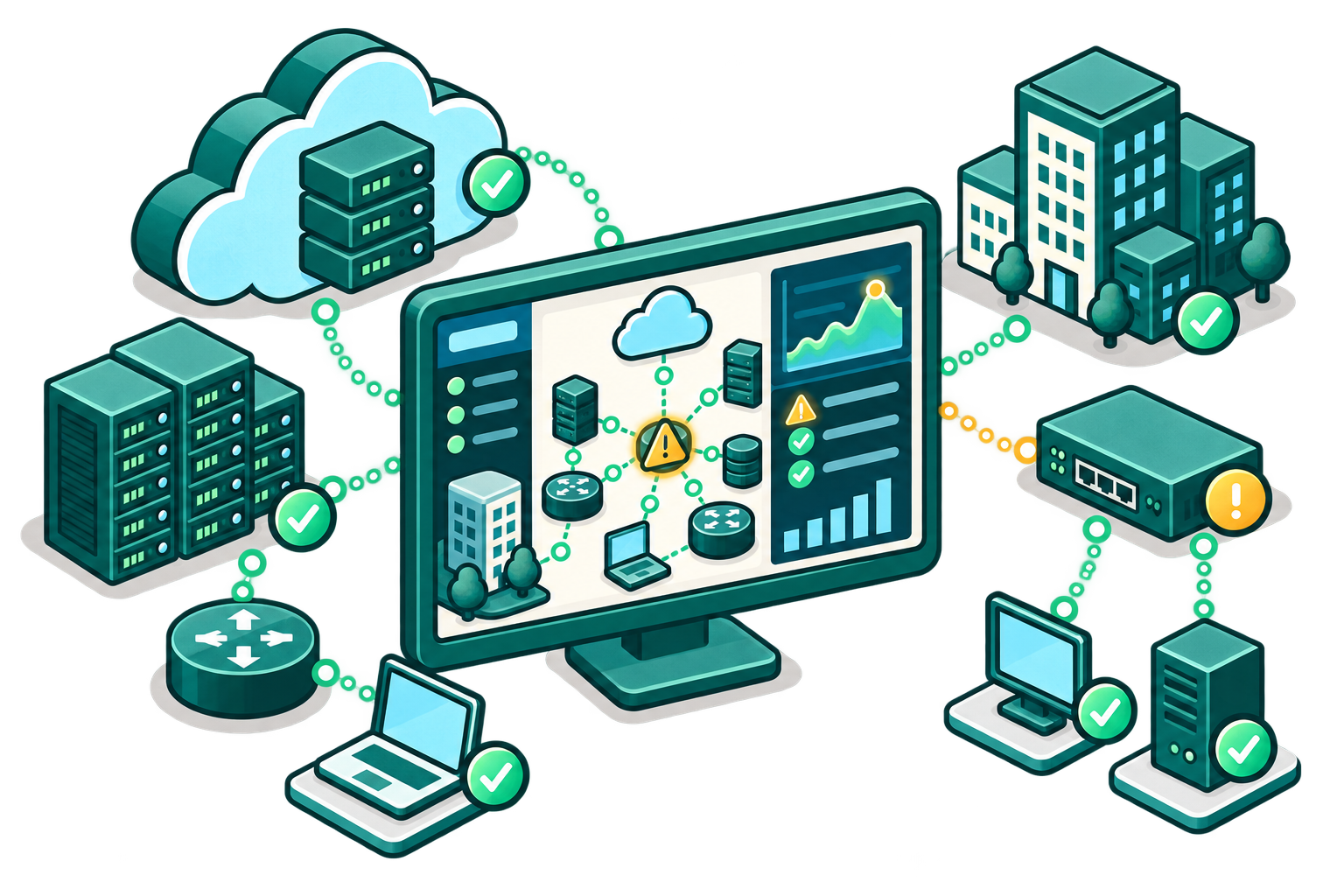
Monitor availability, response time, service health, device status, and other supported metrics. Threshold-based alerts help teams monitor network and server health before issues become a broader user-impacting problem.
Investigate Link and Bandwidth Performance

Track interface utilization and network health, then use Intermapper Flows Insight to examine traffic patterns when congestion or unusual activity affects a hybrid service path.
Plan Capacity and Changes with Evidence

Historical performance data, trend graphs, and reports reveal recurring bottlenecks and growth patterns. Teams can use that evidence to prioritize improvements, validate changes, and plan capacity across the hybrid environment with Intermapper Foresight.
How Intermapper Solves Hybrid Infrastructure Monitoring Challenges
| Challenge | How Intermapper Helps | Result |
|---|---|---|
|
Monitoring views are fragmented by location
|
Live maps and status views bring cloud-connected and on-premises systems into one operational picture where they are reachable and expose supported metrics.
|
Teams spend less time switching between isolated views to understand current conditions.
|
|
A cloud-hosted service is slow or unavailable
|
Probes monitor availability, response time, service status, and other relevant metrics, while thresholds and alerts surface conditions that need attention.
|
IT can identify a problem sooner and begin troubleshooting with context.
|
|
The issue could be local, in the cloud, or in the connection between them
|
Maps, device and server status, interface utilization, and traffic visibility help teams investigate the components and paths that support a hybrid service.
|
Teams can narrow the likely source of a problem faster.
|
|
Distributed changes create blind spots
|
Auto discovery can find reachable IP-enabled devices across defined ranges and network scopes, while live maps keep operational context current.
|
Visibility is easier to maintain as hybrid environments change.
|
|
Remote staff lack operational context
|
Web and mobile access lets authorized teams review maps, acknowledge alarms, and access reports when they are away from the office.
|
Teams can respond with a shared view of the environment from wherever they are working.
|
|
Capacity and change decisions lack evidence
|
Historical trends, reports, and traffic data show recurring utilization and performance patterns over time.
|
Teams can make better-supported upgrade, policy, and capacity decisions.
|
Hybrid Infrastructure Monitoring FAQs
Keep Hybrid Infrastructure and Cloud-Connected Systems Visible with Intermapper
See What's Happening. Understand Why. Plan What's Next.