Strong IT performance is not just about keeping systems online. Teams also need to understand whether networks, servers, and applications are delivering services efficiently. Intermapper helps IT teams monitor performance, identify bottlenecks, track trends, and use data to optimize infrastructure before slowdowns become service problems.
- Monitor performance across devices, servers, services, and applications.
- See health and status on live maps with color-coded indicators.
- Use thresholds and alerts to focus attention where action is needed.
- Review historical data and trend graphs to identify recurring bottlenecks.
- Support performance tuning, capacity planning, and resource decisions with reports.
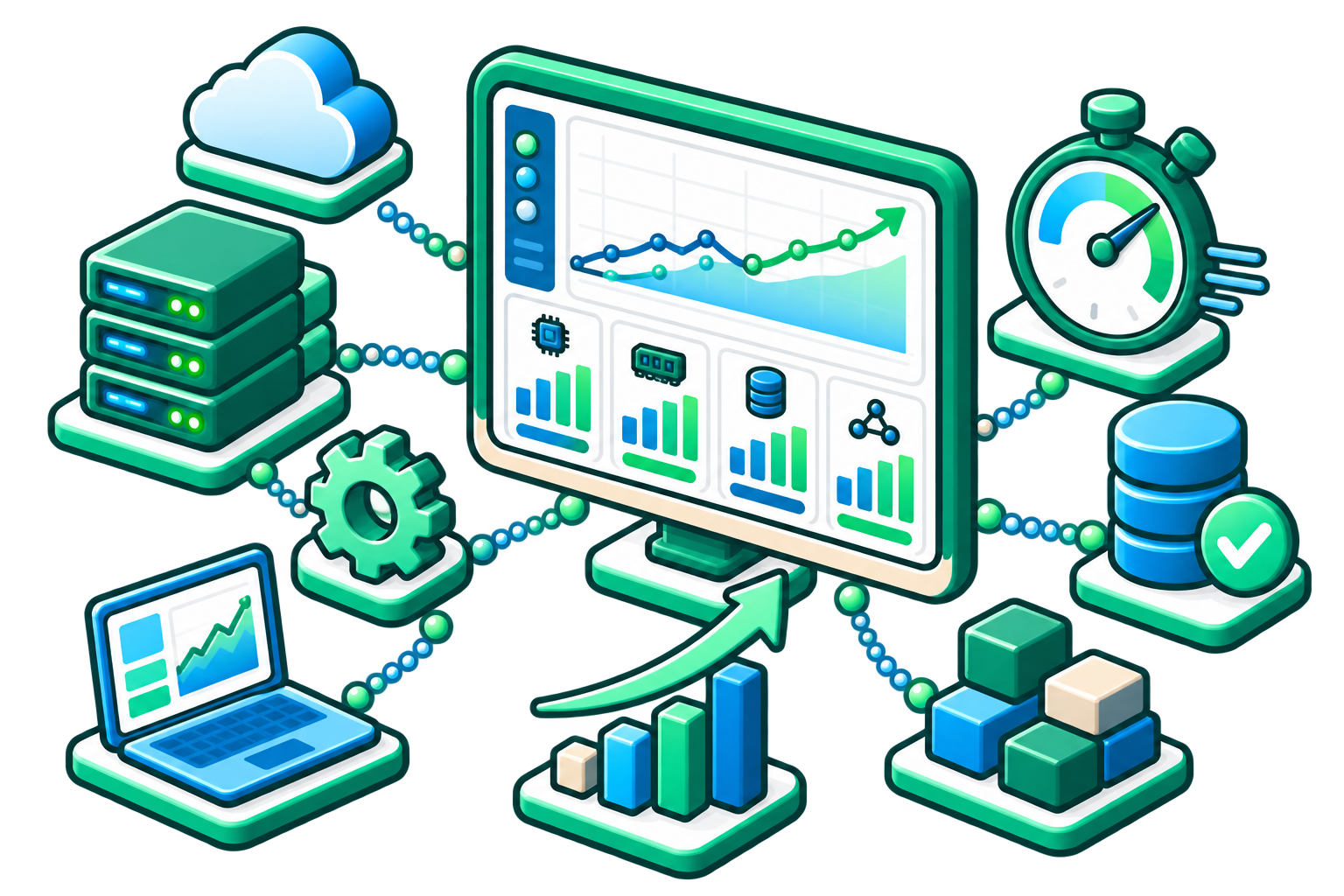
How to Optimize Network and Server Performance with Intermapper
A service can be available and still perform poorly. A server may respond but use excessive resources. A link may remain up, but approach congestion every afternoon. A cloud or virtual environment may scale, but waste budget if resources are over-provisioned.
Intermapper helps teams see not only whether infrastructure is running, but how well it is supporting the business services that depend on it.
Define Critical Services and Infrastructure
Establish Baselines
Monitor Continuously
Analyze Trends
Tune and Adjust
Report Outcomes
Intermapper’s Performance Optimization Capabilities
Improve Application Experience
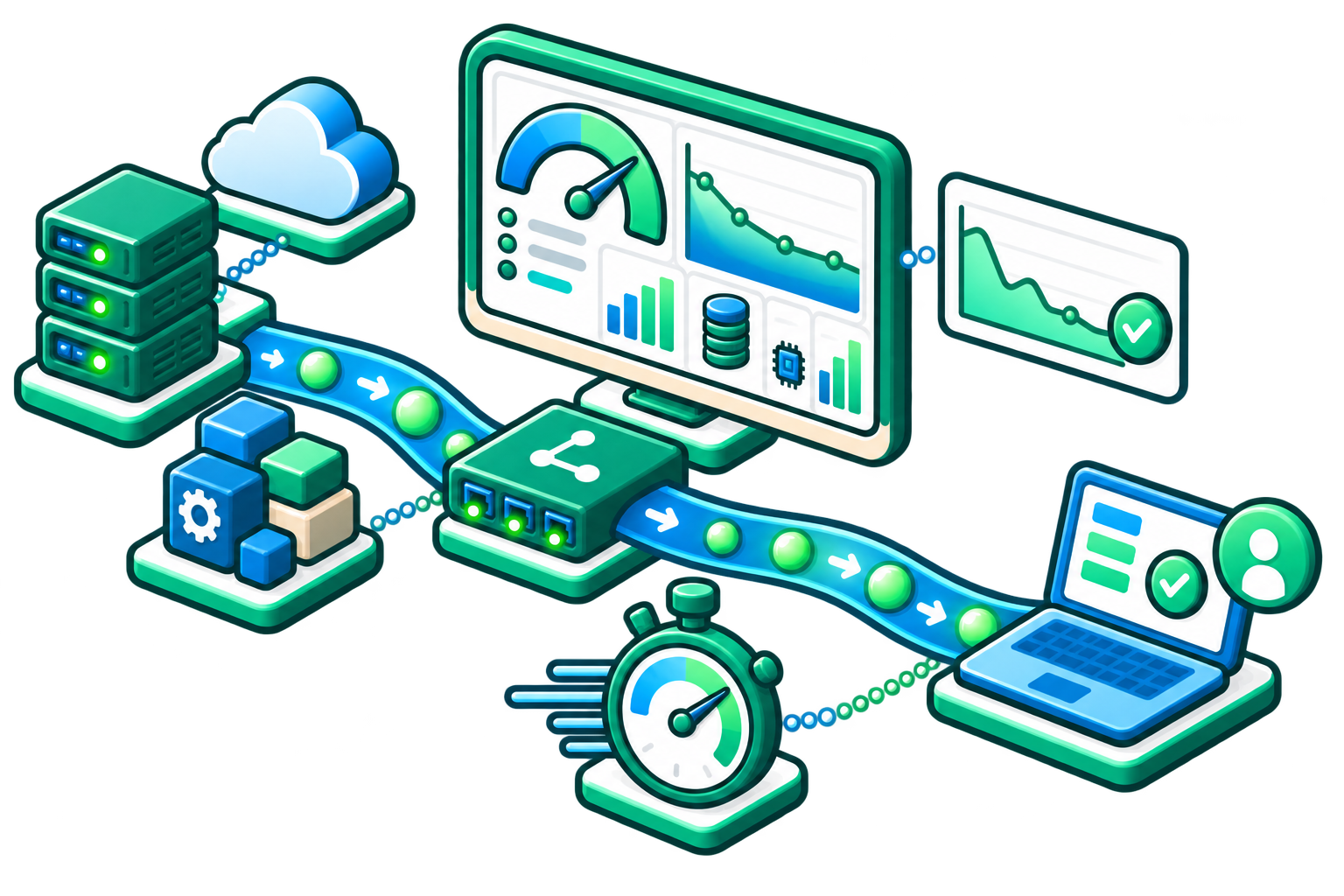
Monitor supporting servers, services, and network paths so teams can identify performance issues that affect critical applications.
Reduce Recurring Bottlenecks
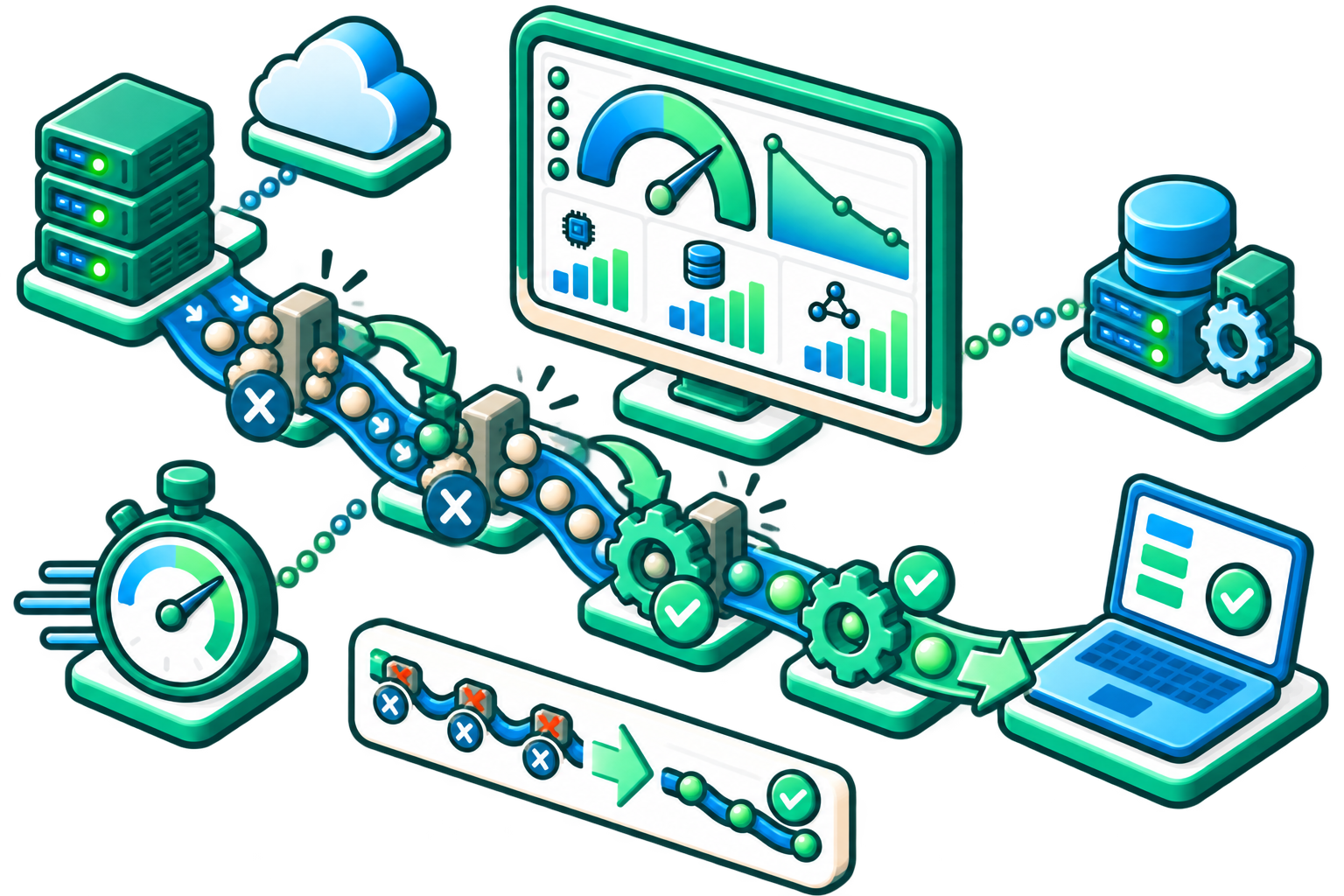
Use historical performance data to find links, devices, or services that repeatedly approach capacity or degrade to plan capacity needs.
Optimize Resource Utilization
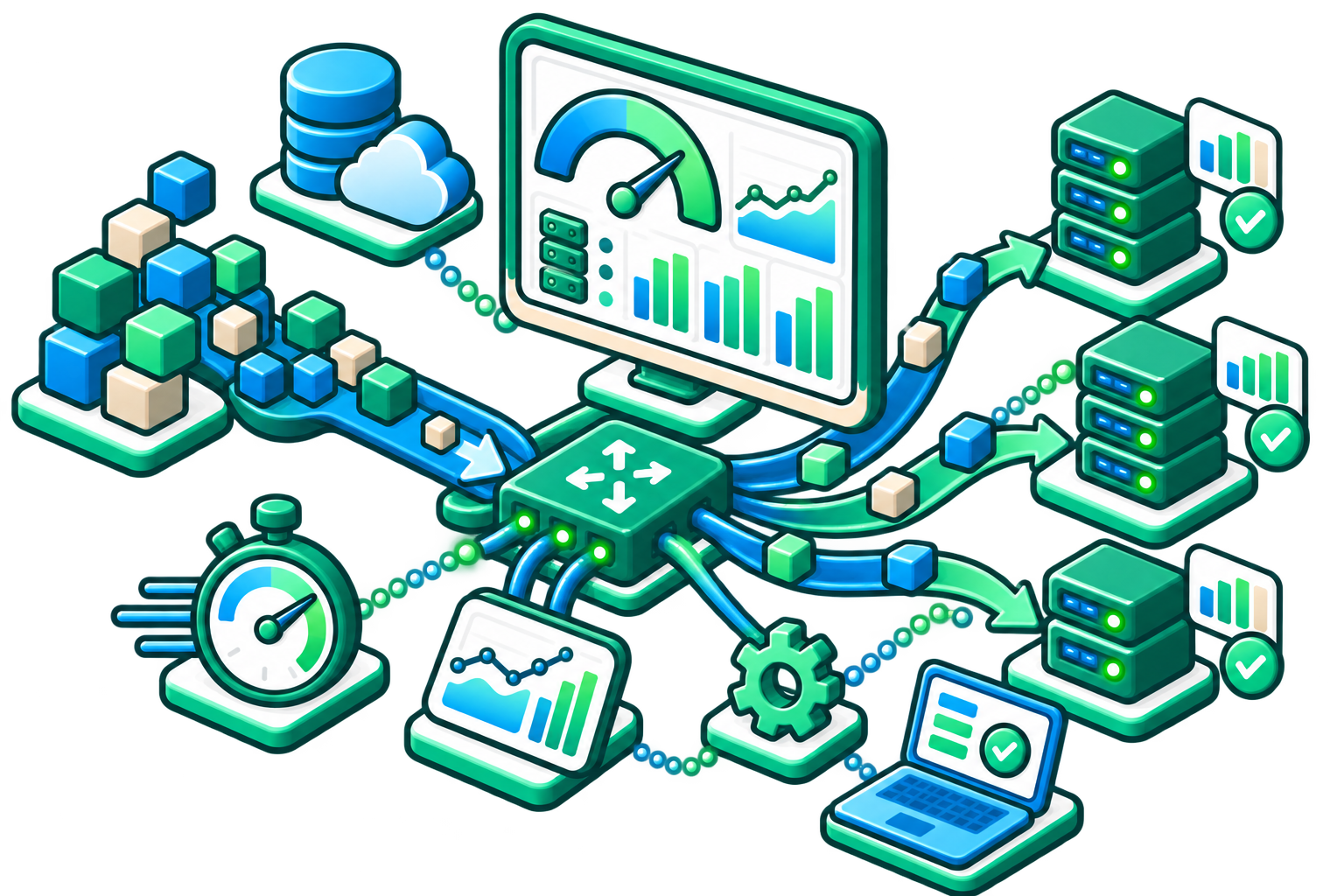
Track usage patterns to identify constrained or underused resources and make more informed optimization decisions.
Support Hybrid and Distributed Infrastructure

Monitor devices and services across physical, virtual, and cloud-connected environments from a consistent monitoring approach.
Improve IT Performance Reporting

Translate technical performance data into useful IT reporting for managers, service owners, and business stakeholders.
How Intermapper Solves Performance Challenges
| Challenge | How Intermapper Helps | Result |
|---|---|---|
|
Services are slow but not down
|
Monitor response time, availability, traffic, and device health metrics.
|
Teams can detect degradation before it becomes an outage.
|
|
Bottlenecks are difficult to isolate
|
Live maps and status windows show device, server, and link performance context.
|
IT can identify where attention is needed faster.
|
|
Resources are overused or underused
|
Historical data and trend graphs reveal utilization patterns over time.
|
Teams can rightsize resources and plan changes more effectively.
|
|
Hybrid environments are complex
|
Flexible probes and common protocols support multi-vendor and distributed monitoring.
|
Teams gain visibility across physical, virtual, and cloud-connected infrastructure.
|
|
Teams waste time reviewing raw data
|
Visual status, thresholds, and reports turn monitoring data into actionable insight.
|
IT can prioritize exceptions instead of manually sorting noise.
|
|
Leadership needs performance context
|
Reports show performance, availability, and trend information that supports decisions.
|
Teams can communicate operational health and resource needs more clearly.
|
Network and Server Performance Optimization FAQs
Turn Monitoring Data Into Better Performance with Intermapper
See What's Happening. Understand Why. Plan What's Next.